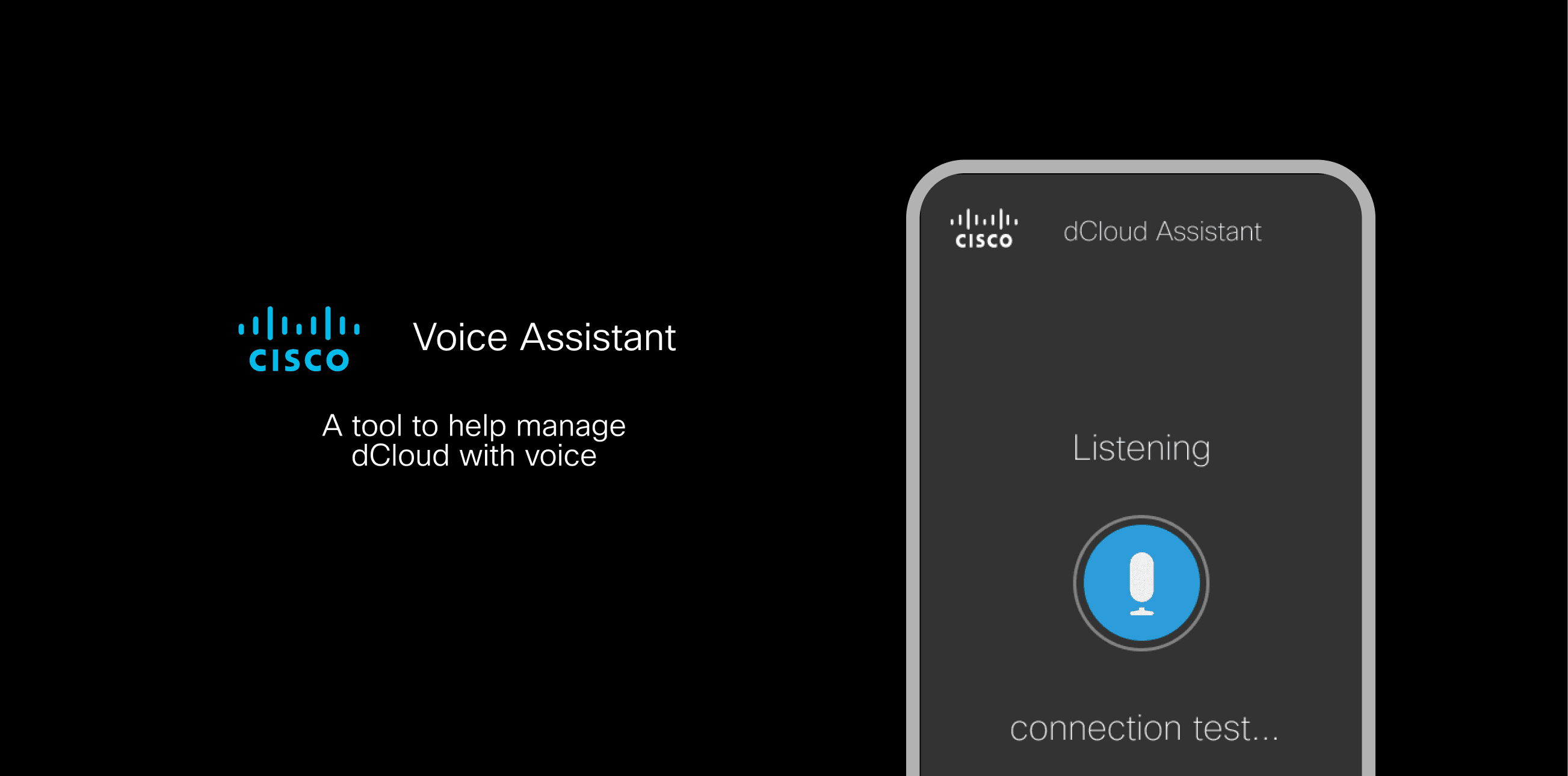
dCloud Assistant: manage dCloud with chat and voice agent
- ROLE
- UX Designer
- TEAM
- Product Manager · UX Designer (me)
- COMPANY TYPE
- Enterprise, B2B
- DELIVERABLES
- Product Logic, UI Design
- DESIGN STACK
- Figma
- MEDIUM
- Mobile
dCloud Assistant
Shabia designed dCloud Assistant, a messenger bot and voice assistant for Cisco dCloud, validating a command-based UX over open conversation in testing.
ITERATIONS
3 rounds
Concept → commands → shortcuts
KEY TASKS
5 identified
Mapped from user interviews
RECEPTION
Positive
Initial user feedback
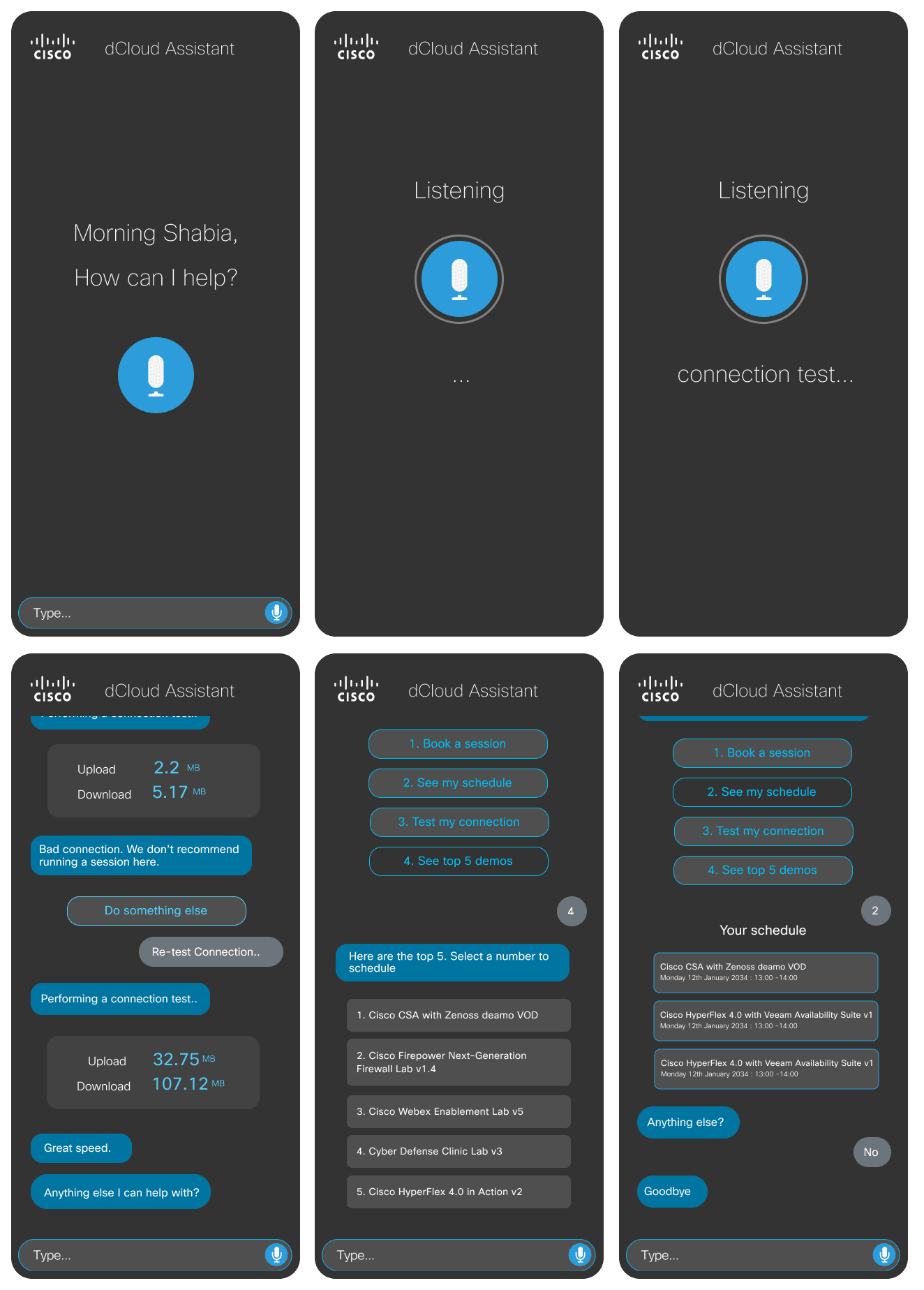
Research showed dCloud users wanted to schedule sessions on the go. Some power users had already gone as far as building their own scheduling bots on top of Cisco Webex APIs, just to book content faster than the standard interface allowed.
The bet: if technical users were already routing around the UI with bots, a first-party bot, with commands and voice, could do it better.
An easy way in, a few commands out
Who this was really for
Users & audience
dCloud super users, sales engineers, and demo developers, highly technical people who were already comfortable bypassing a standard UI with shortcuts or commands.
Key user tasks
Mapped from interviews, in rough order of priority.
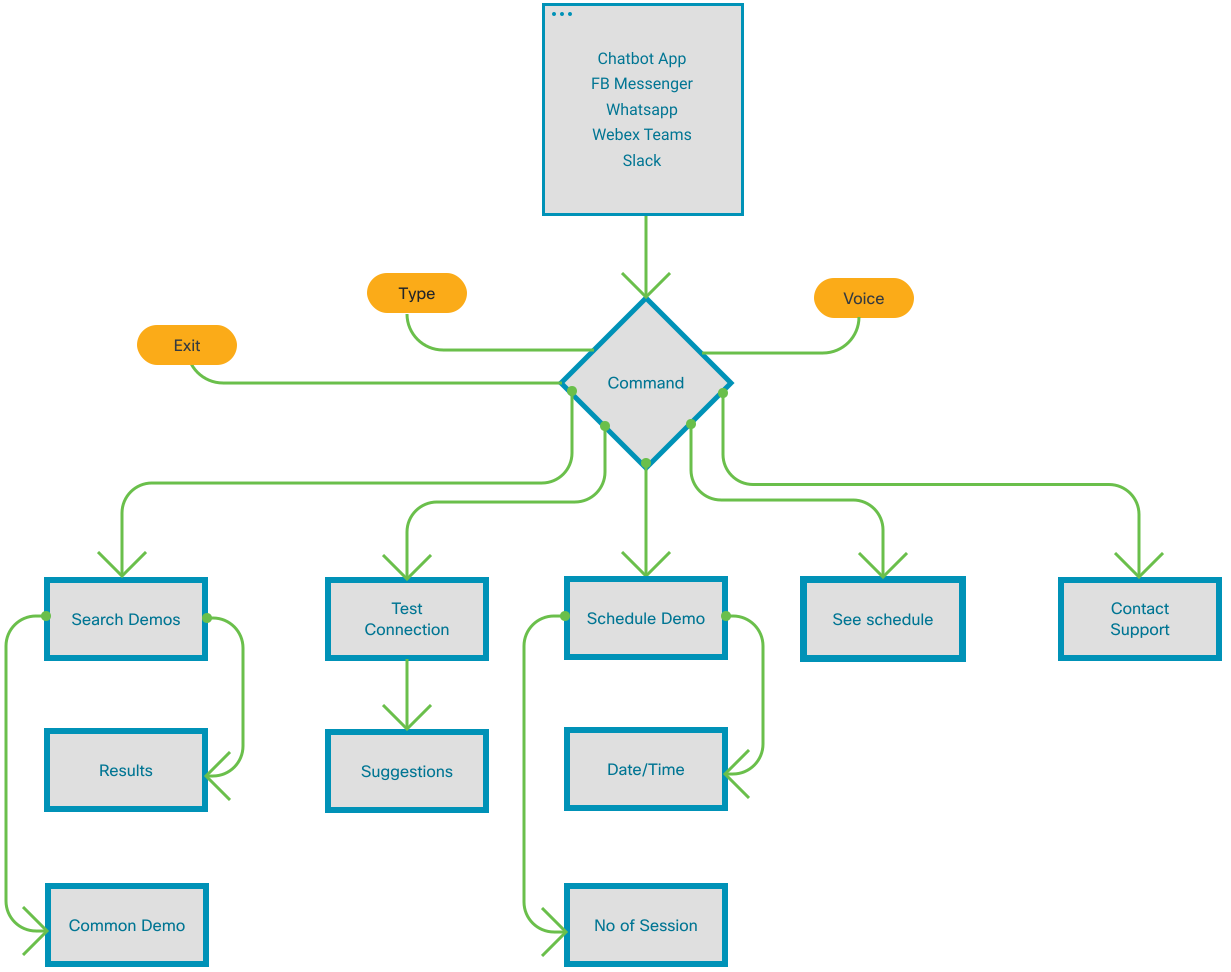
Evaluated → Rejected → Shipped
Decision 1: Commands, not open conversation
The first version let users open a free-form conversation, with the bot replying in natural language and offering both typing and voice.
It tested well on tone, the bot felt natural to talk to, but poorly on efficiency: replies ran long, and the bot’s limited intelligence made it easy to send it responses it couldn’t handle.
I simplified the language and moved most exchanges to yes/no answers with a fixed task list, which immediately sped up the interaction and made errors easier to handle.
“A bot that can say anything is harder to use than one that can only say a few useful things.”
Decision 2: Numeric shortcuts and a support handoff
The task list from iteration 2 worked, but users still weren’t sure how fast they could move through it.
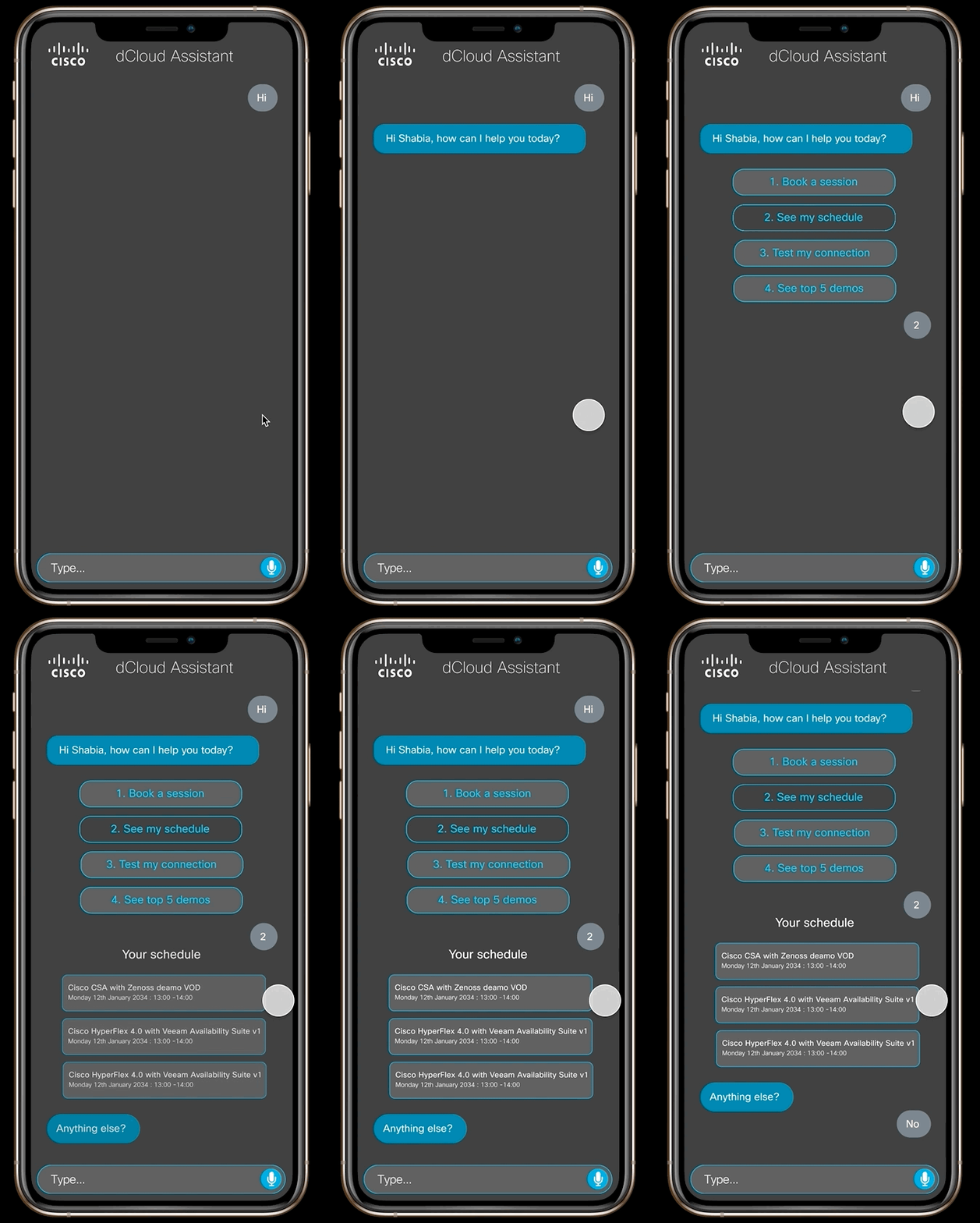
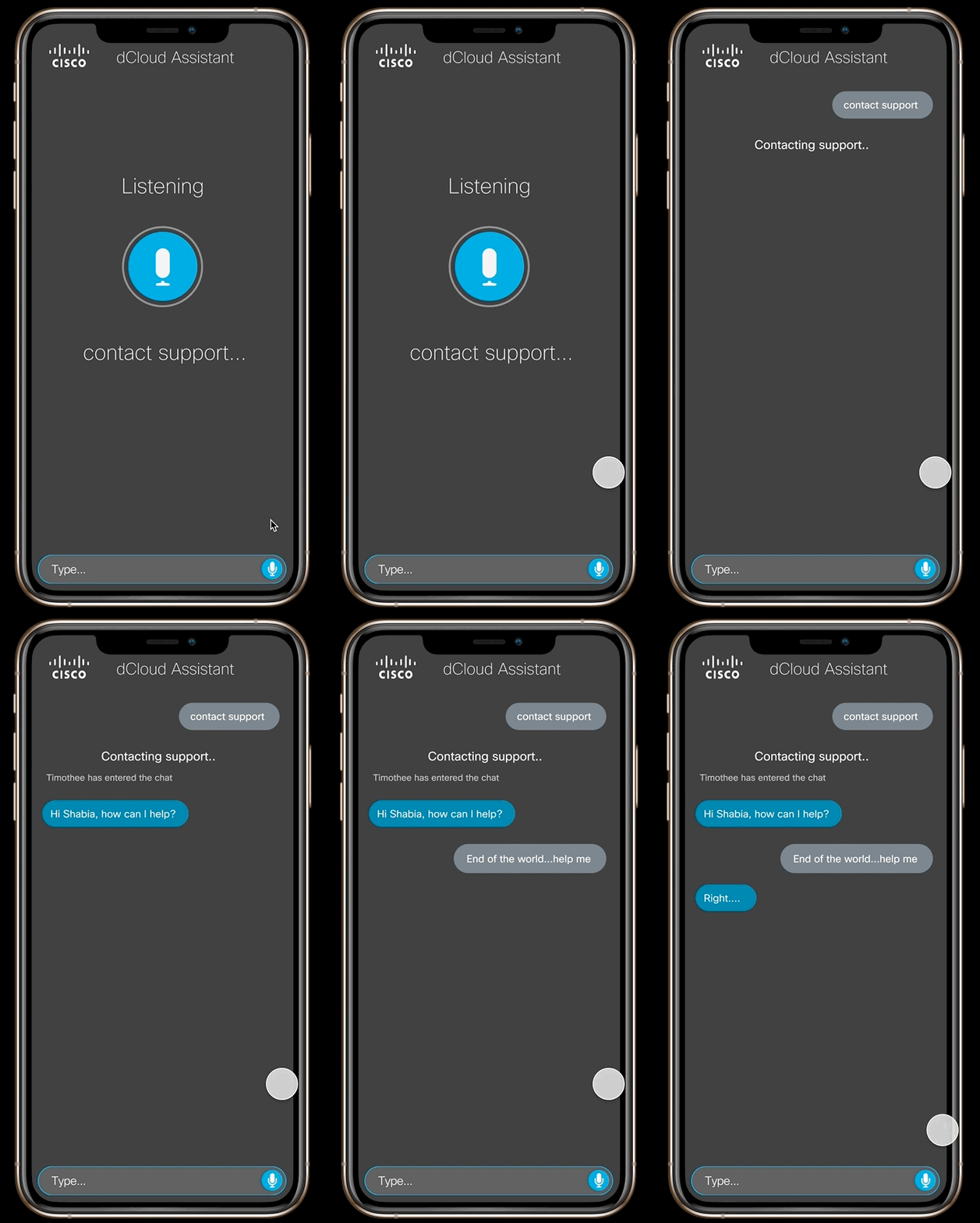
I replaced the task list with numbered commands so a whole task could be triggered in one reply, and added a path to escalate straight to a support agent when the bot couldn’t help.
Numeric commands cut interaction time noticeably, and the support handoff turned out to be one of the most valued features in testing.
“For a power user, the fastest correct answer beats the most conversational one.”
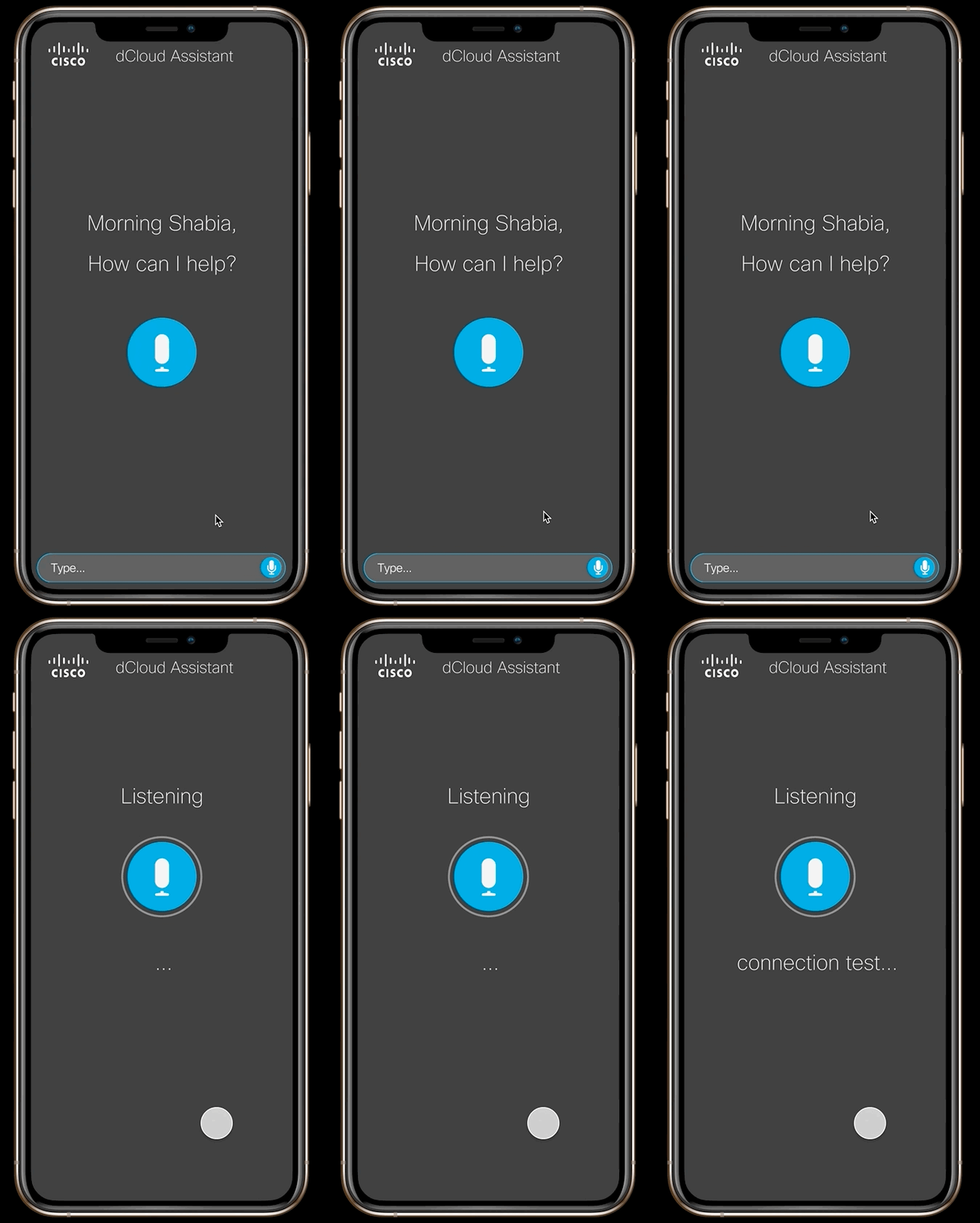
Start App
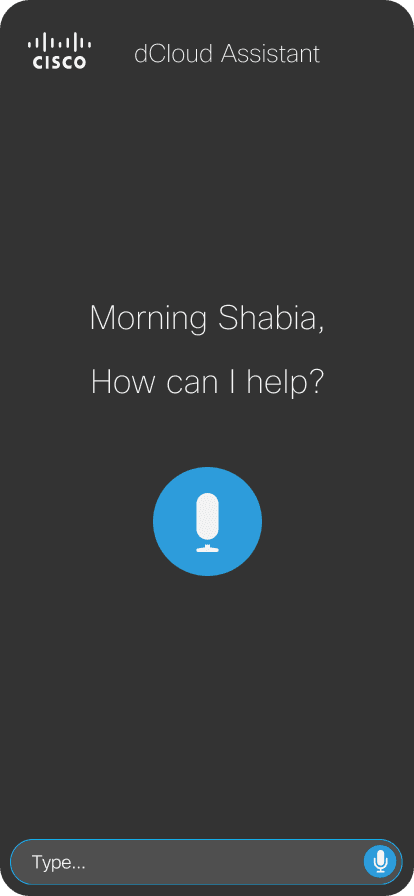
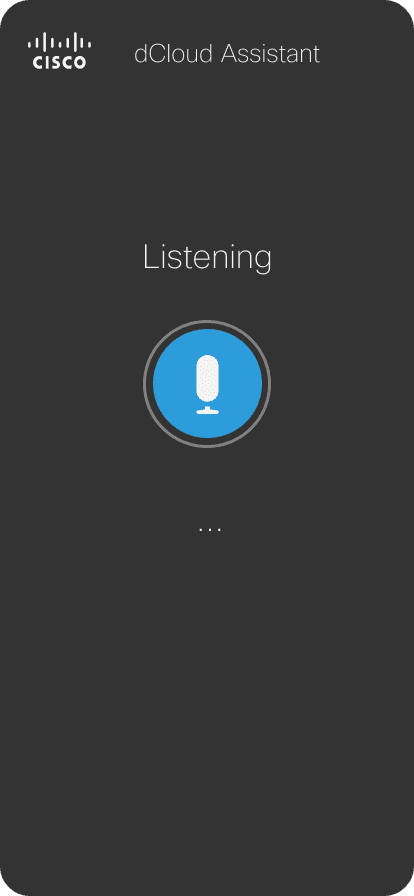
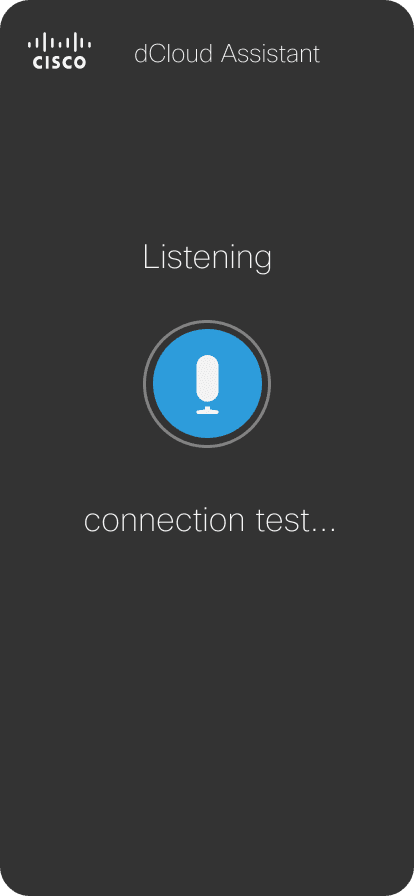
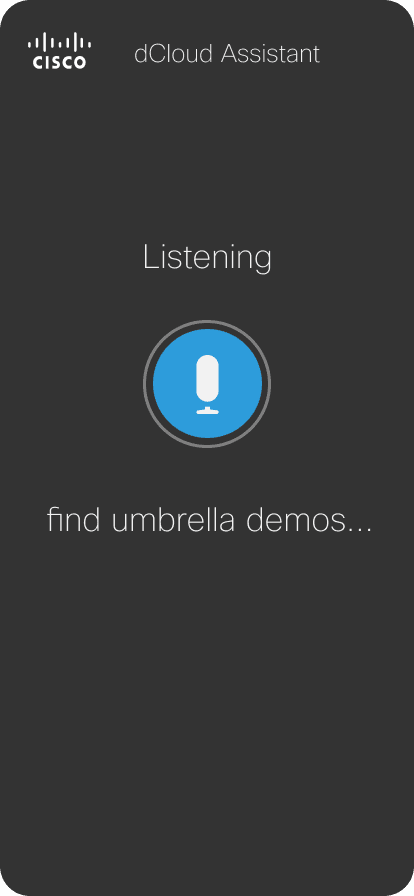
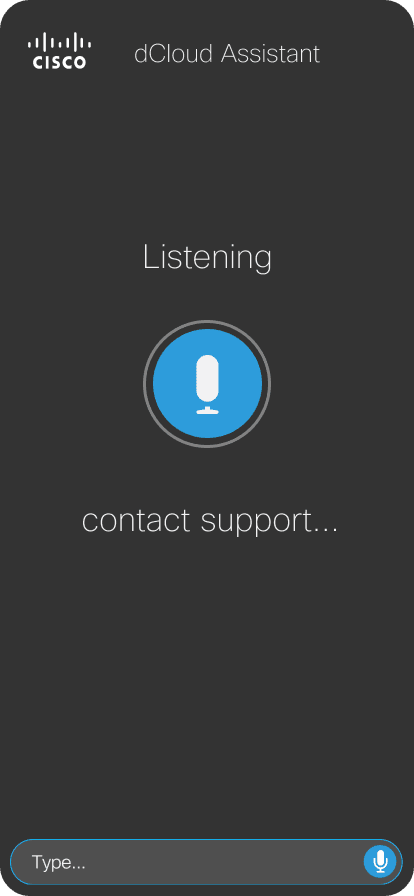
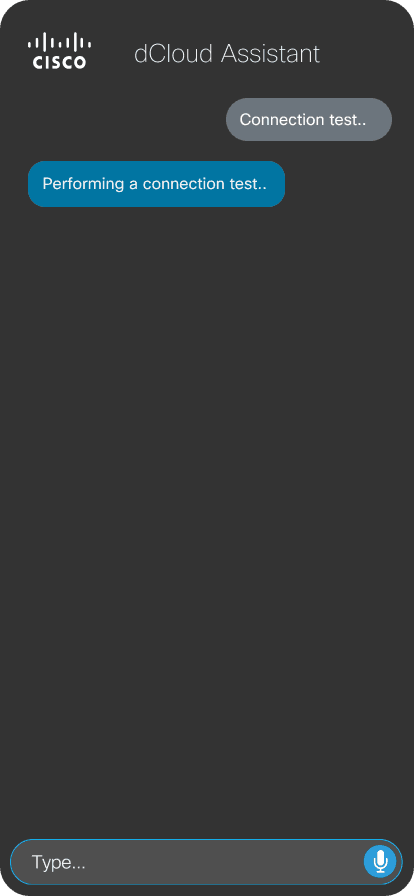
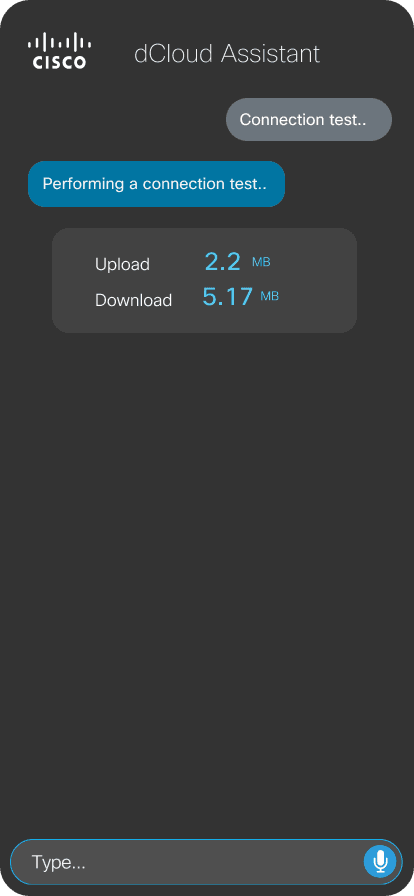
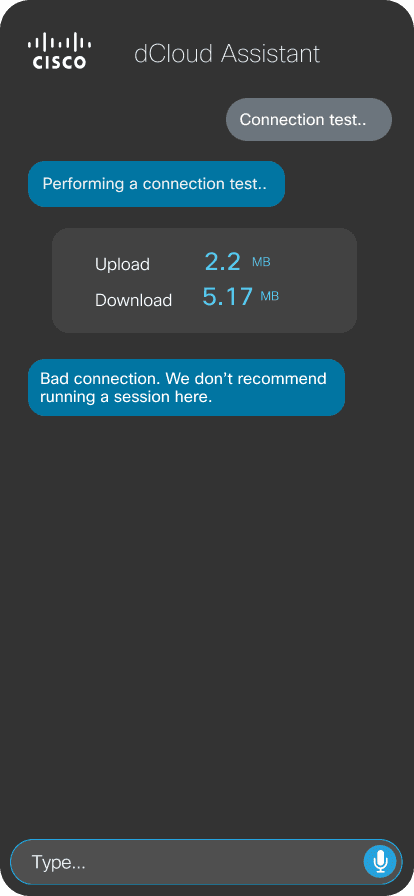
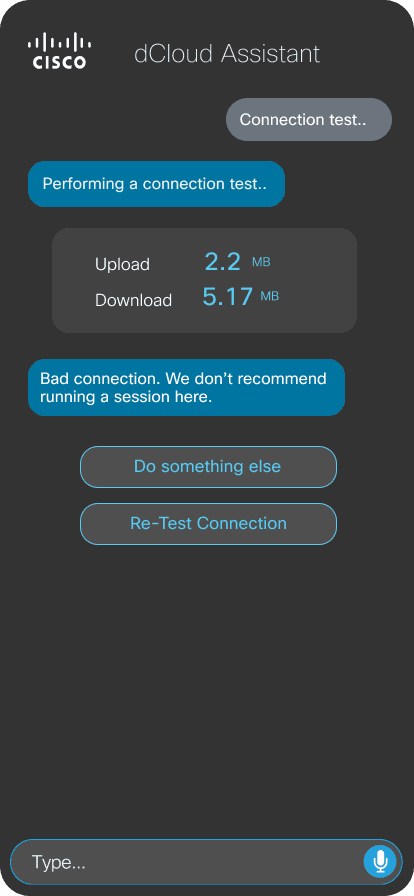
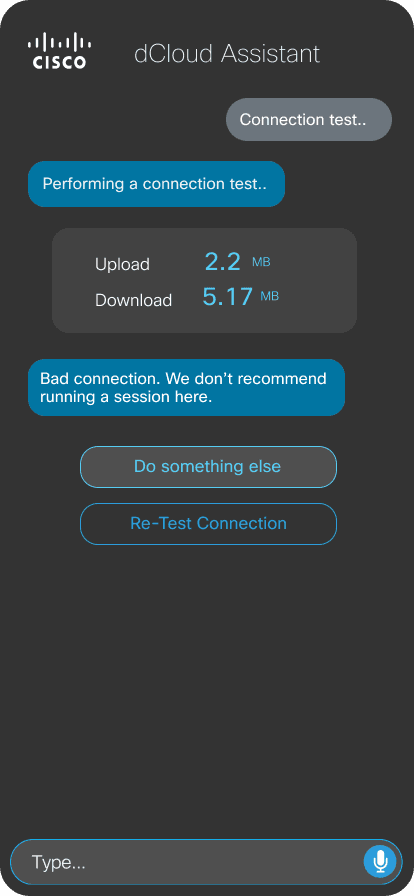
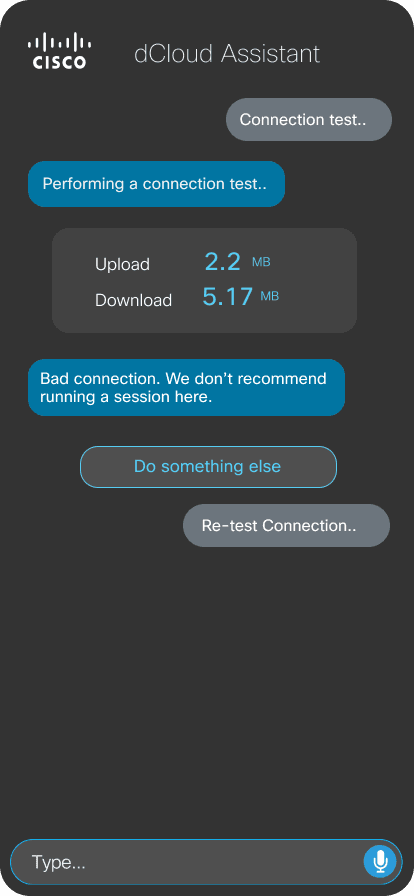
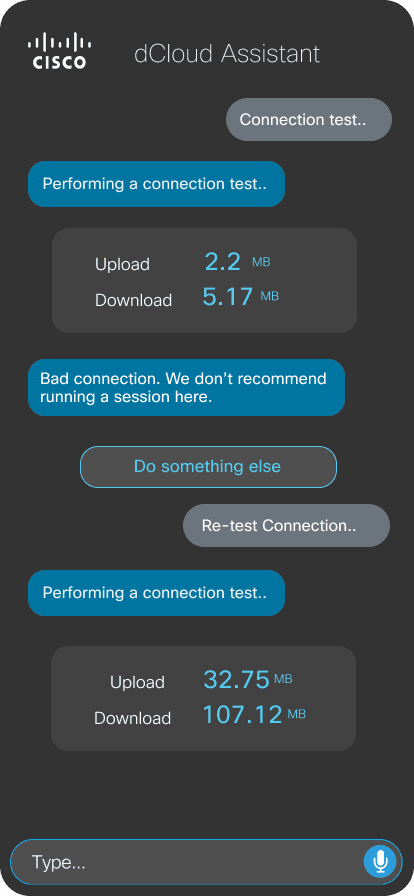
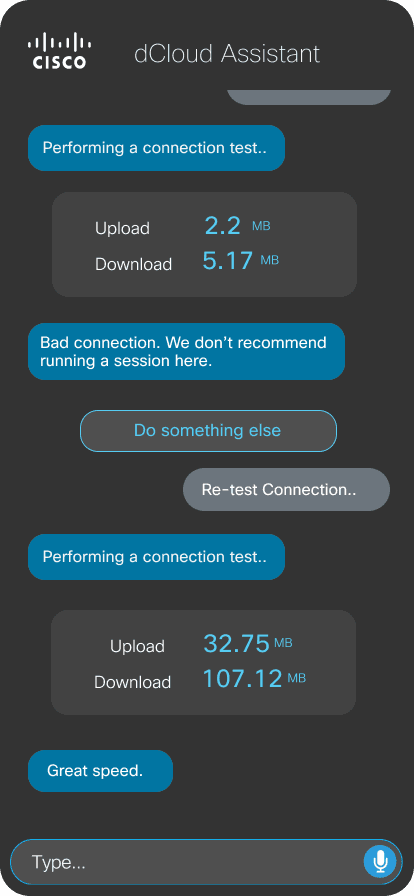
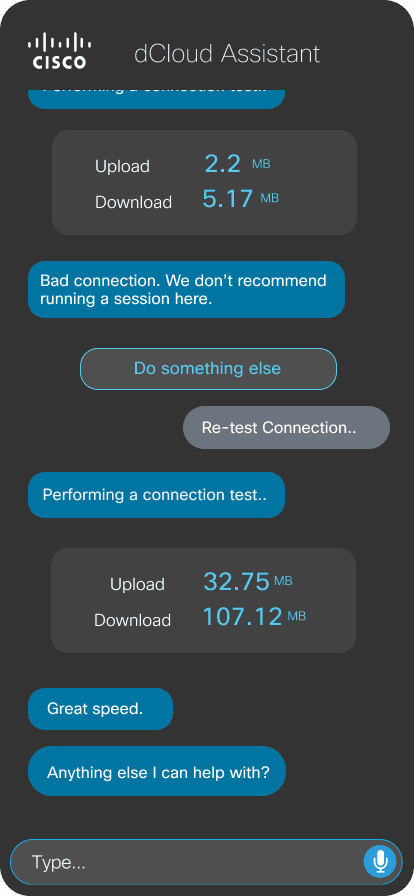
Test Connection
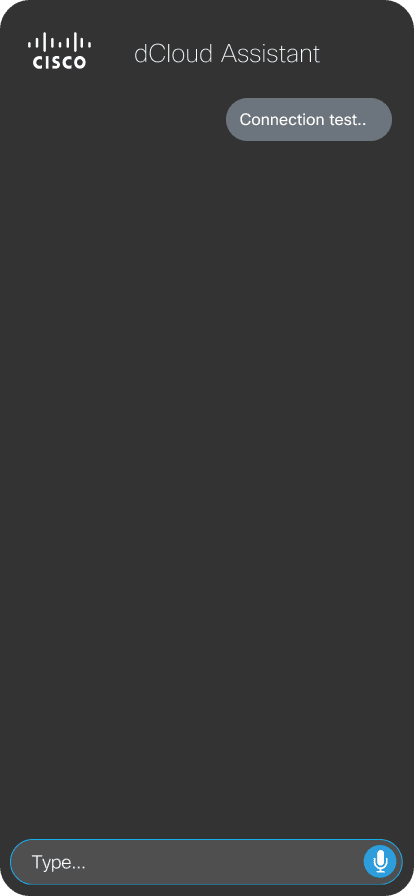
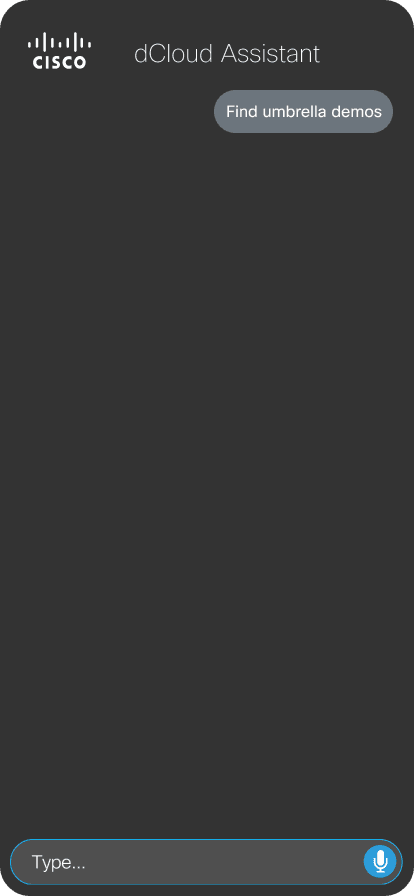
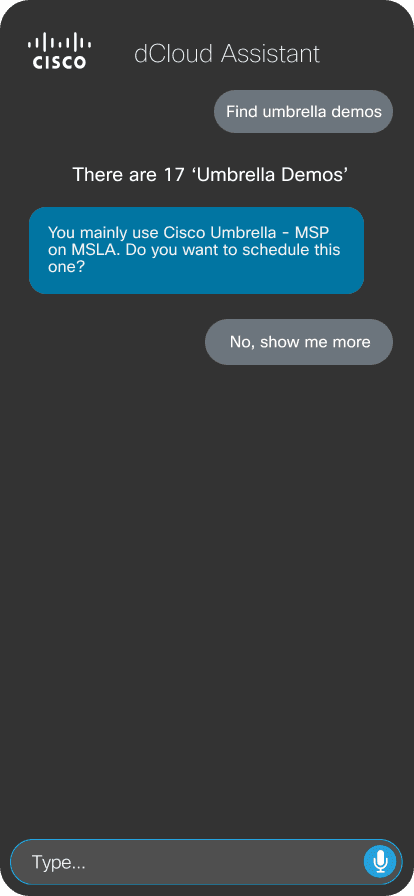
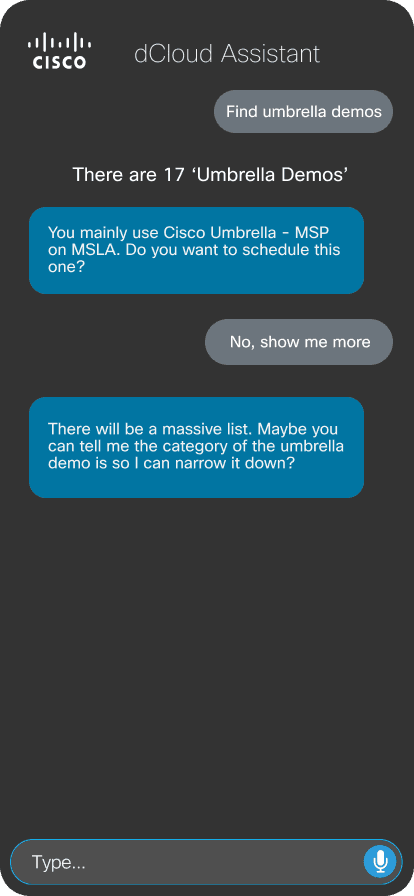
Find & Schedule Demos
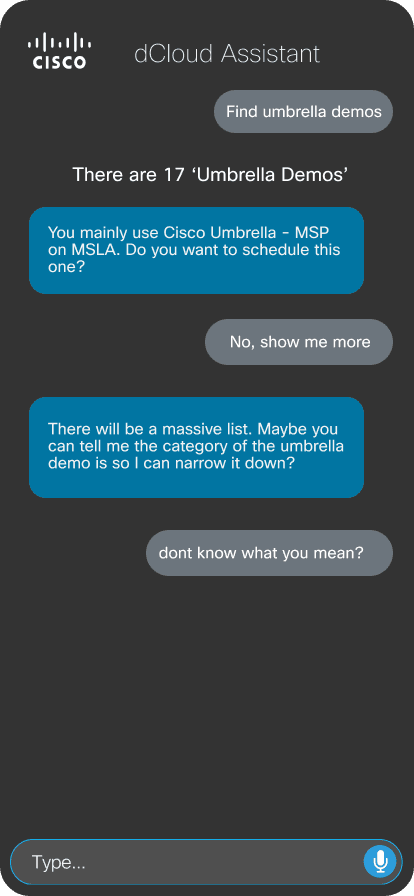
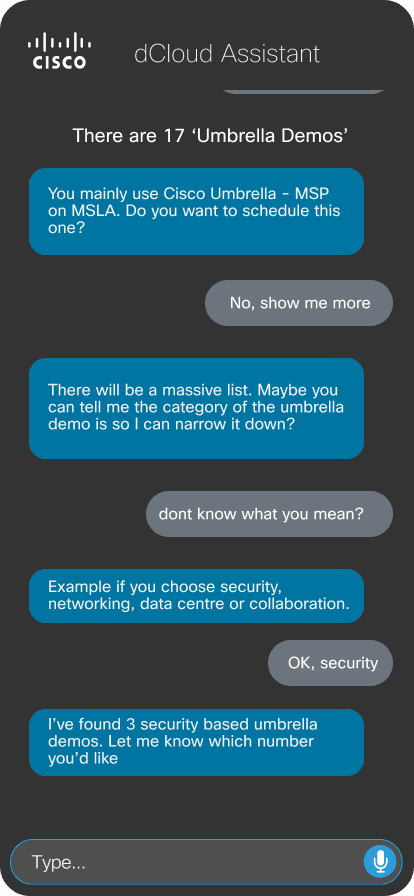
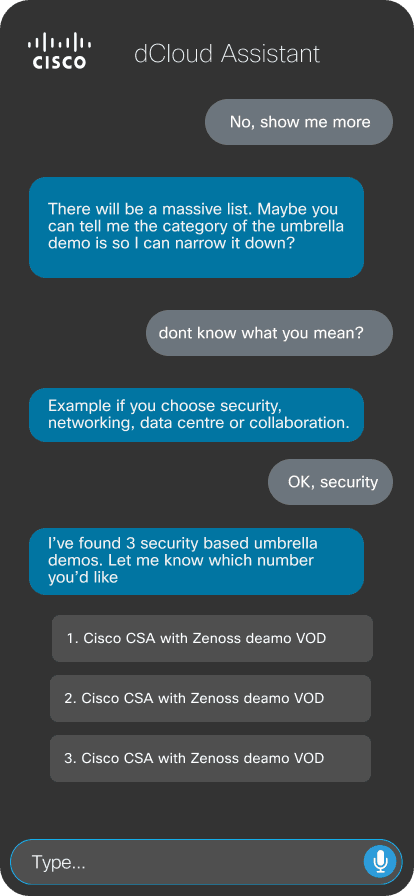
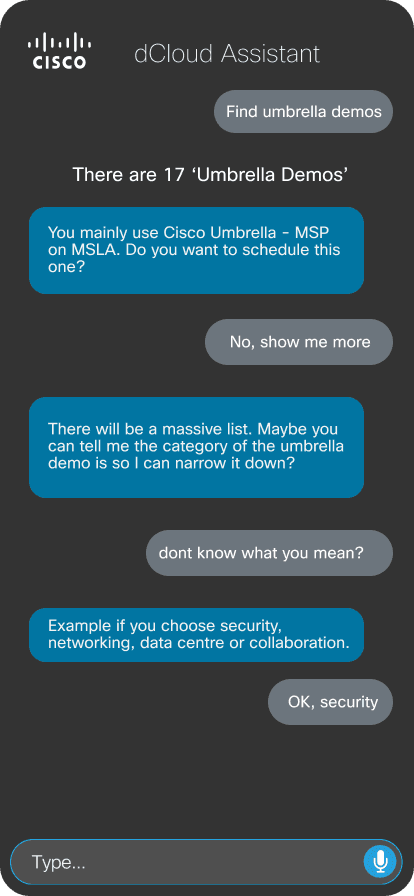
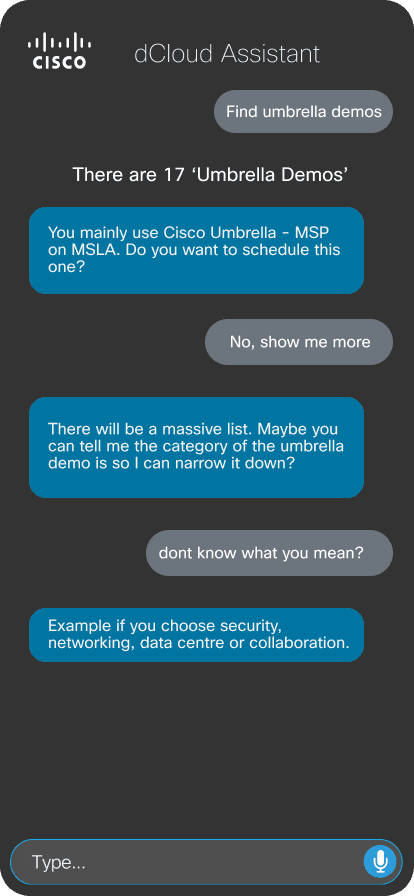
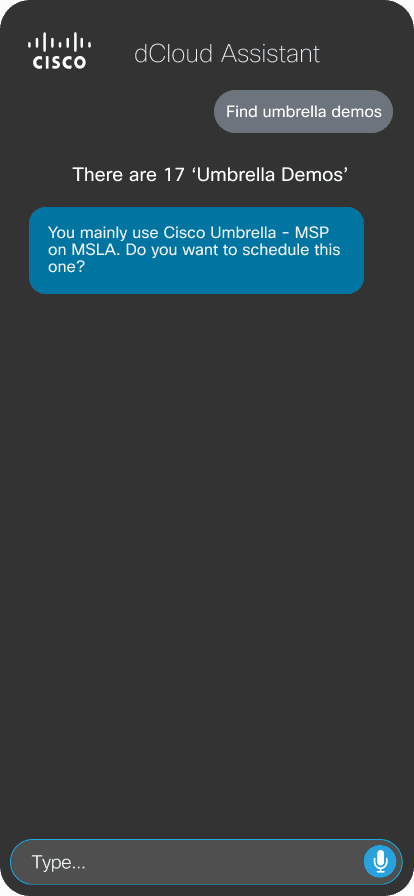
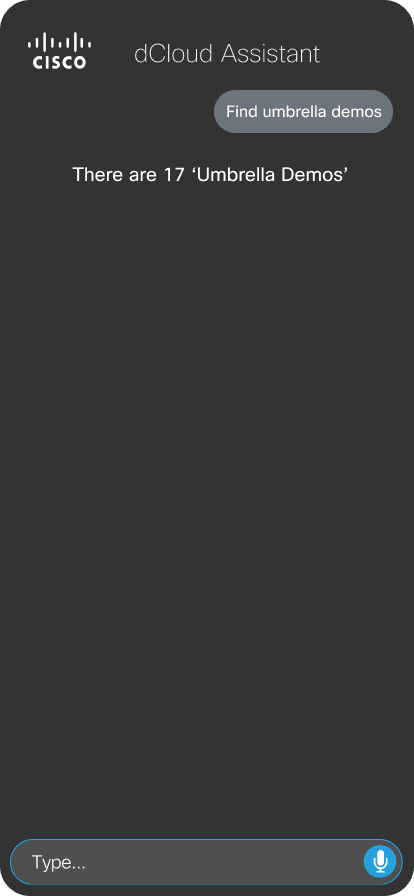
See Schedule
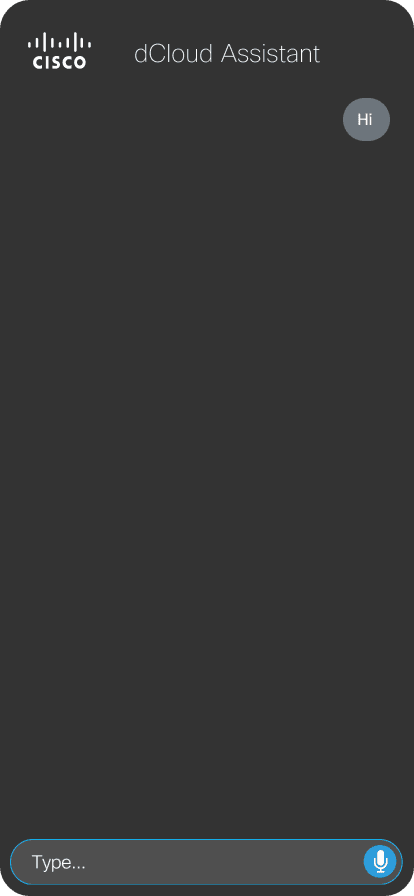
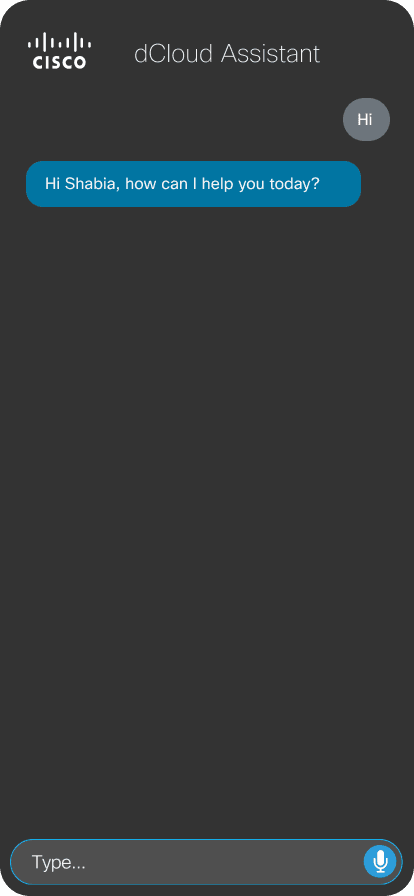
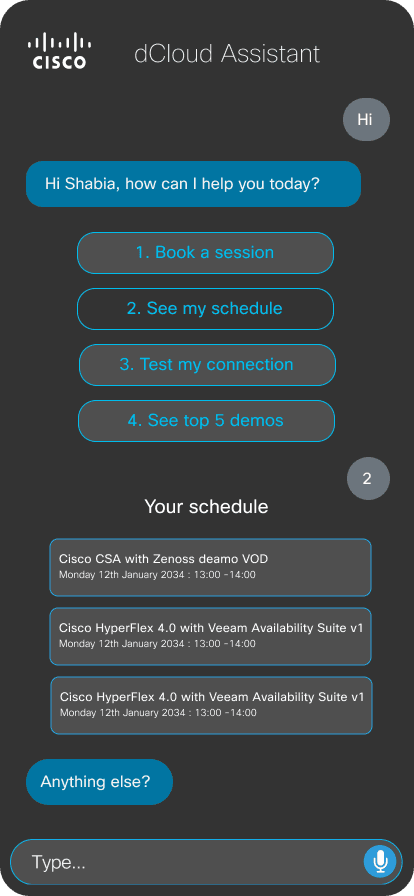
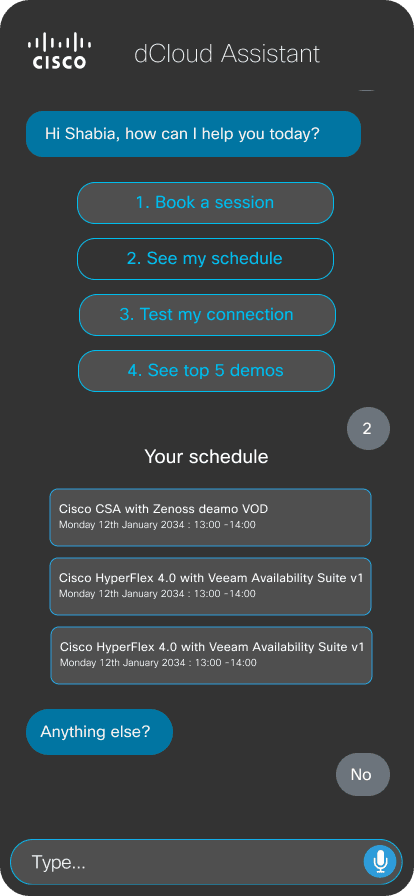
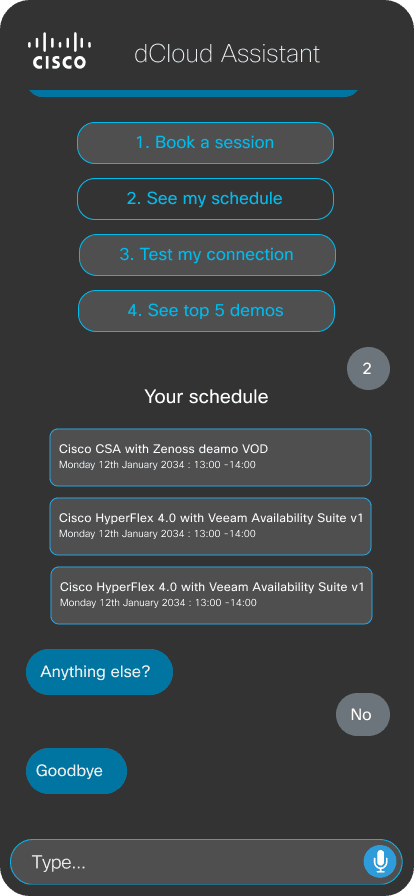
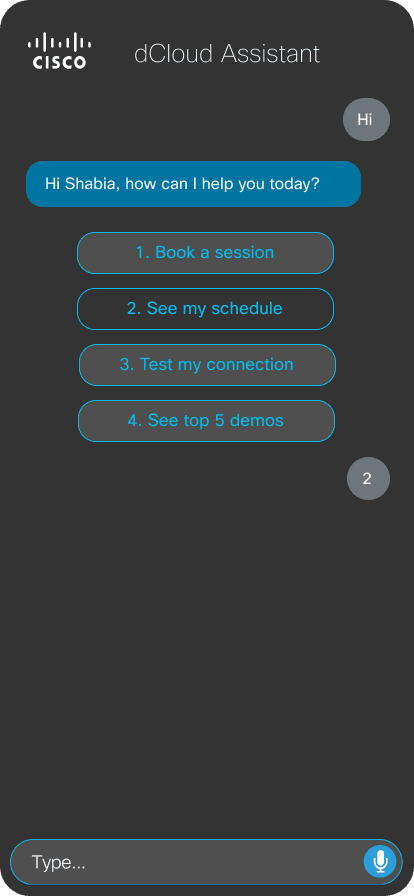
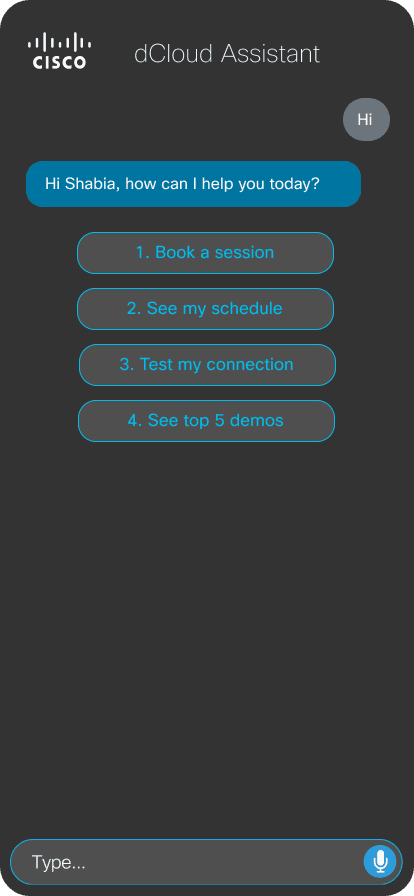
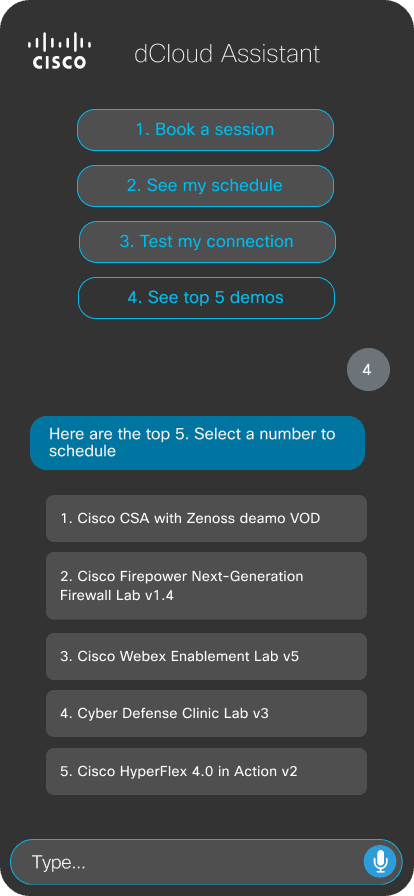
Top 5 Demos
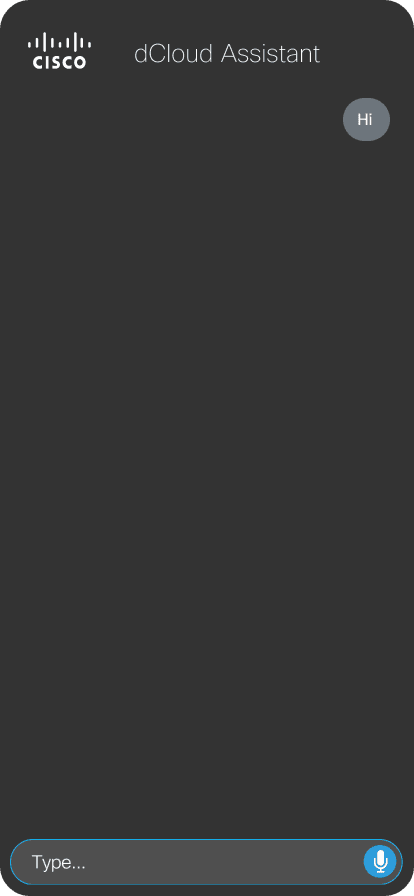
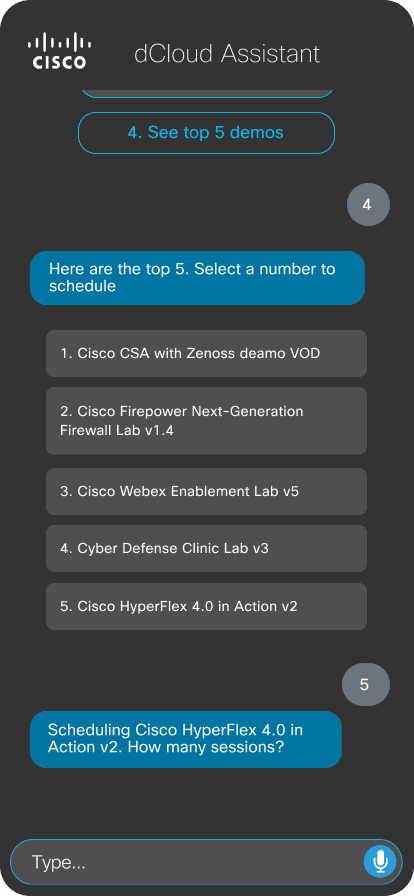
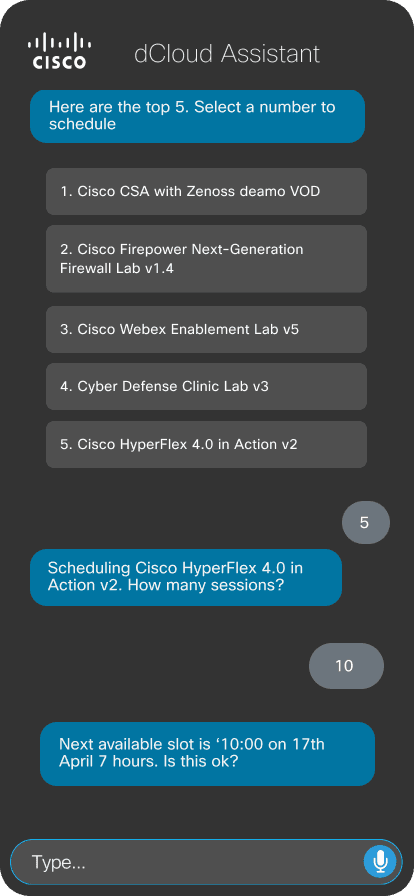
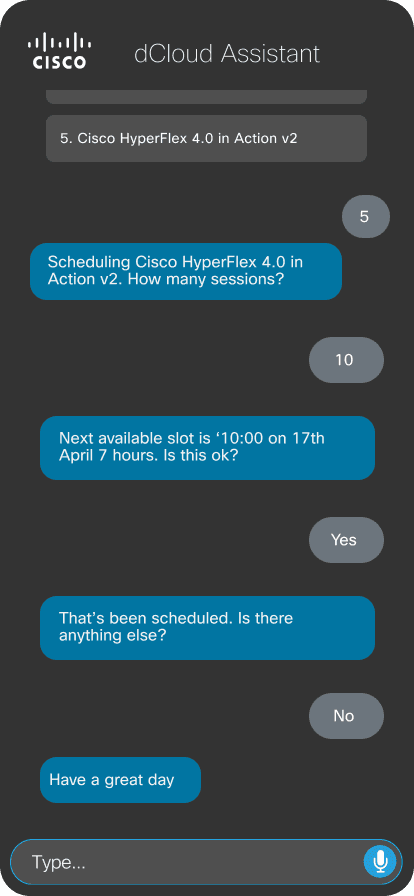
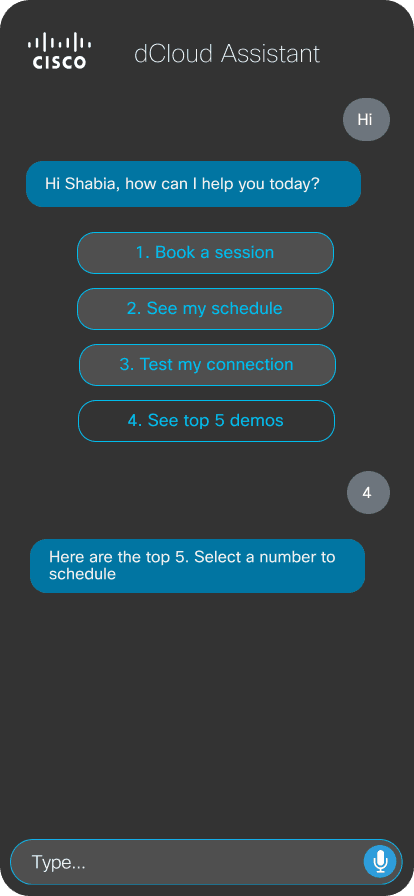
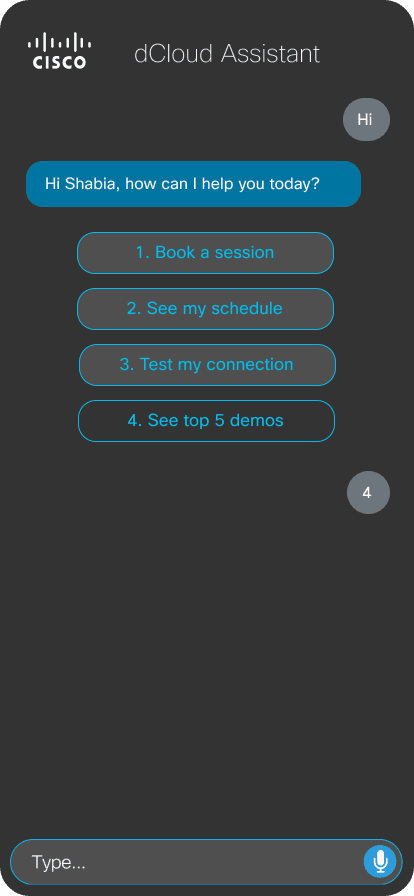
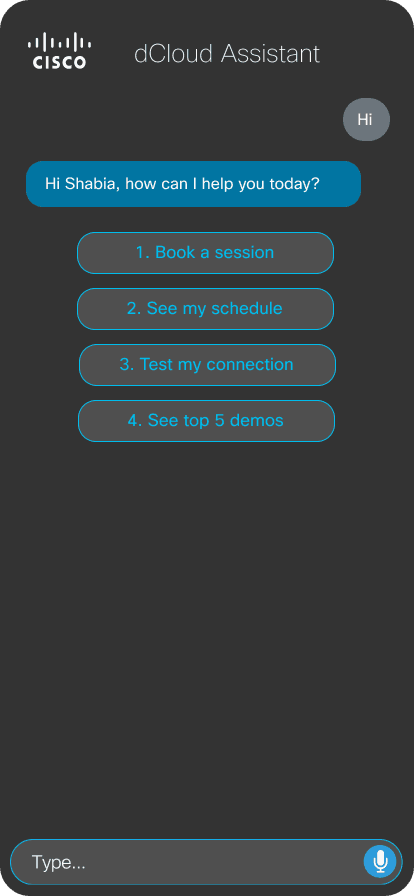
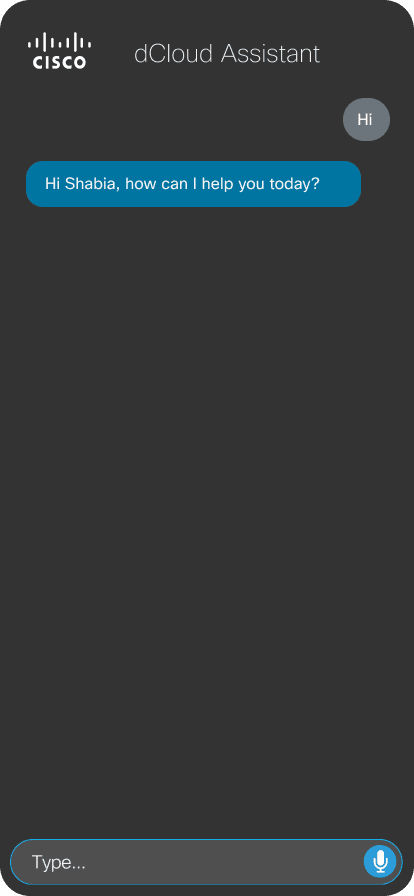
Contact Support
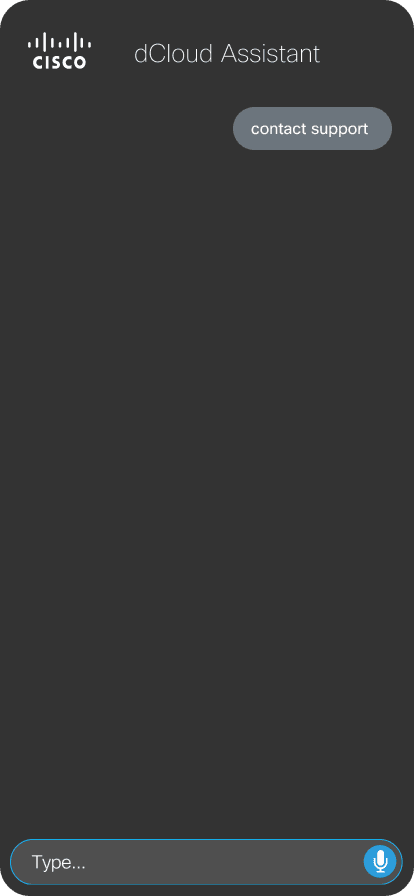
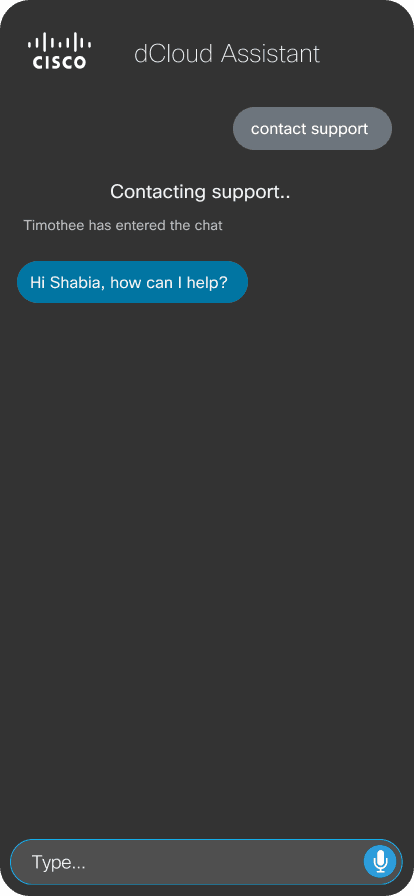
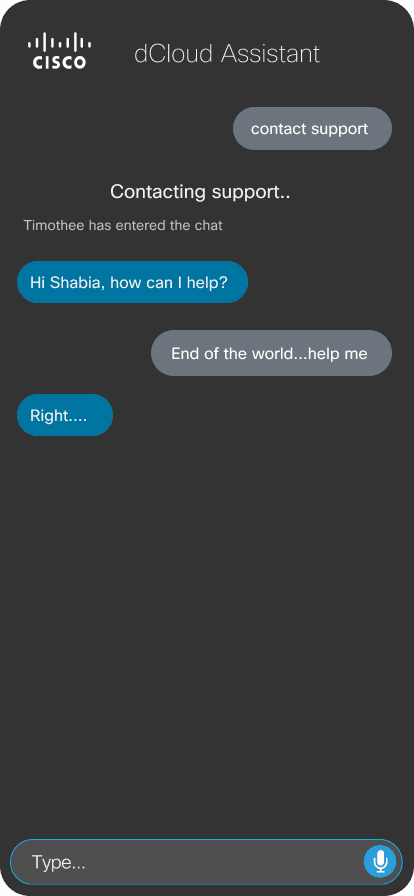
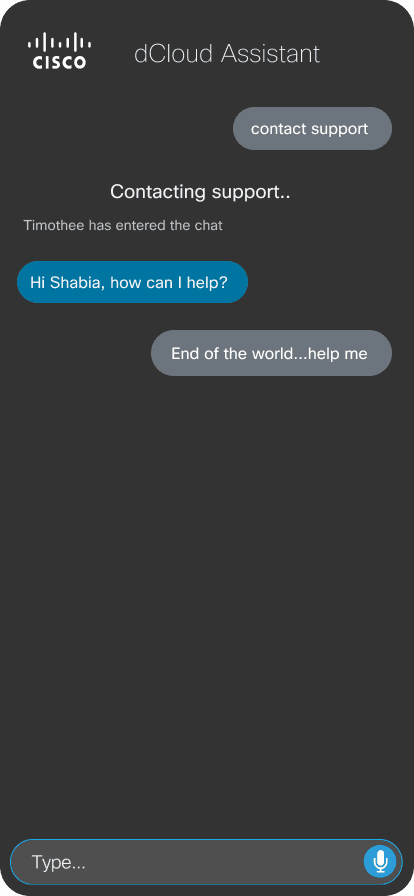
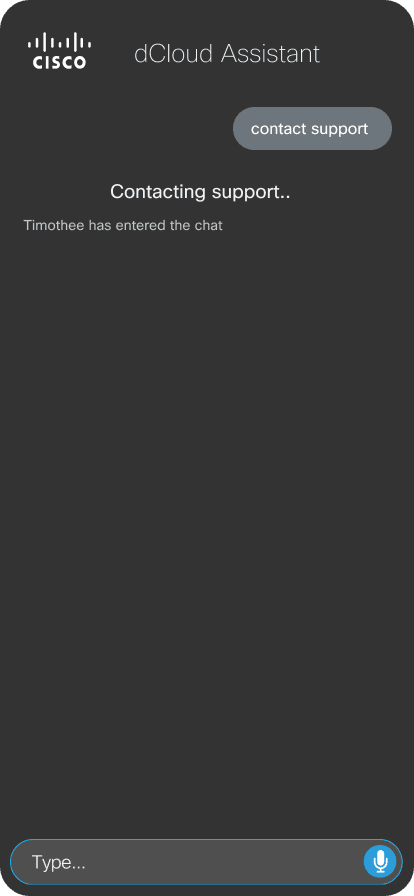
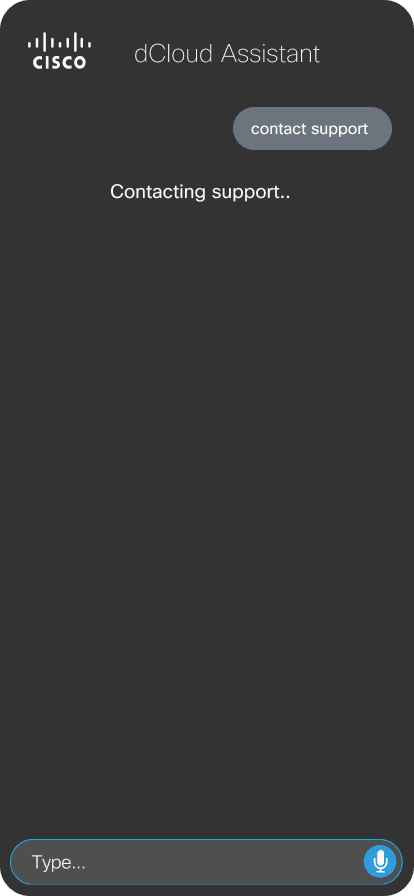
Interactions
Interactions designed in Figma
Start Using App
See Schedule
Contact Support
As a design experiment, this wasn't measured on adoption numbers. It was built to test whether a command-based bot could replace the workarounds power users had already built for themselves.
OUTCOME
Command-based UX
Validated over open chat
RECEPTION
Positive
Initial user feedback
NEXT STEPS
Multi-platform + Siri
WhatsApp, Messenger, Webex, voice
What I Learned
Bot personality is a much harder design problem than it looks, every extra bit of “natural” language cost speed. The command-based approach ended up the strongest solution precisely because it gave up on sounding conversational.
Would Do Differently
Push further into a single API integration layer (WhatsApp, Messenger, Webex) earlier, rather than treating each platform as a separate build.